
Apple Health Data
If you want to deeply analyze your personal health data, Apple Health requires exporting your data as a ZIP archive. While this may seem limiting, it actually provides full access to your raw, structured health records—making advanced analysis possible.
This guide walks you through exporting, parsing, and visualizing your Apple Health data using Python.
Export Your Apple Health Data
To get started, export your health data from your iPhone:
- Open the Health App
- Tap your Profile icon
- Select Export All Health Data
This generates a file:
export.zip
Setup
from apple_health_parser.utils.parser import Parser
from apple_health_parser.plot.plots import Plot
Initialize the Parser
parser = Parser(export_file='export.zip', overwrite=True)
Explore Available Data Types (Flags)
print(parser.flags)
Get Data Sources
sources = parser.get_sources()
print(sources)
Retrieve Data
data = parser.get_flag_records("HKQuantityTypeIdentifierStepCount")
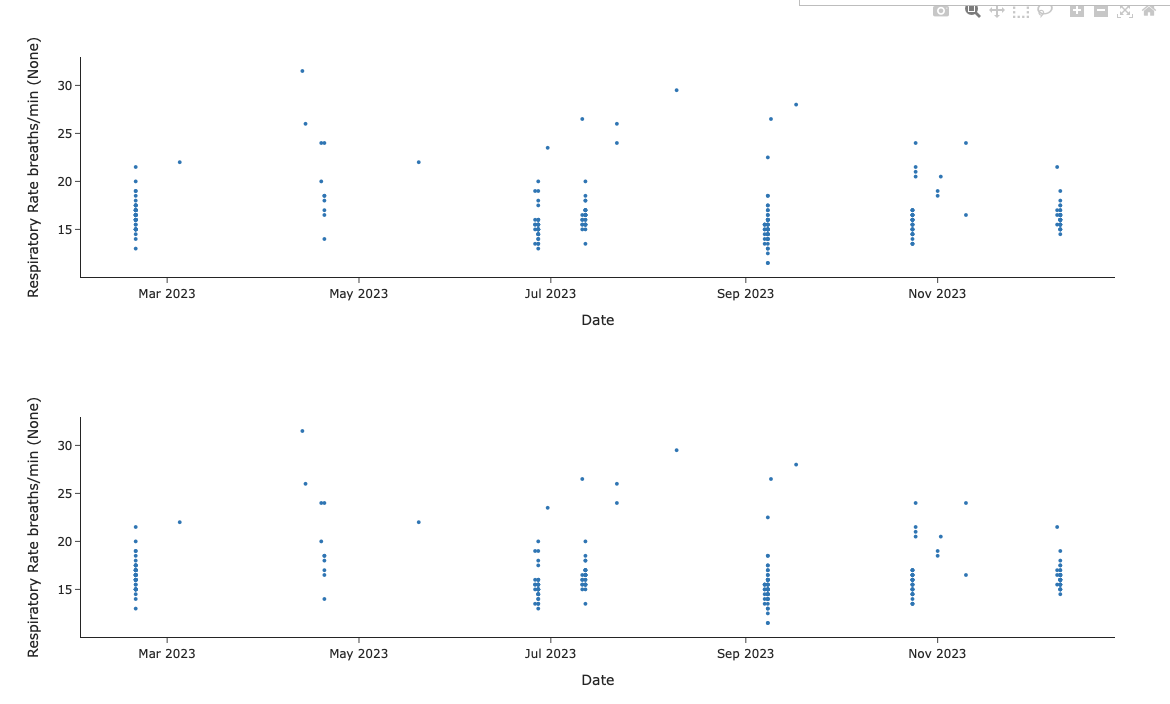
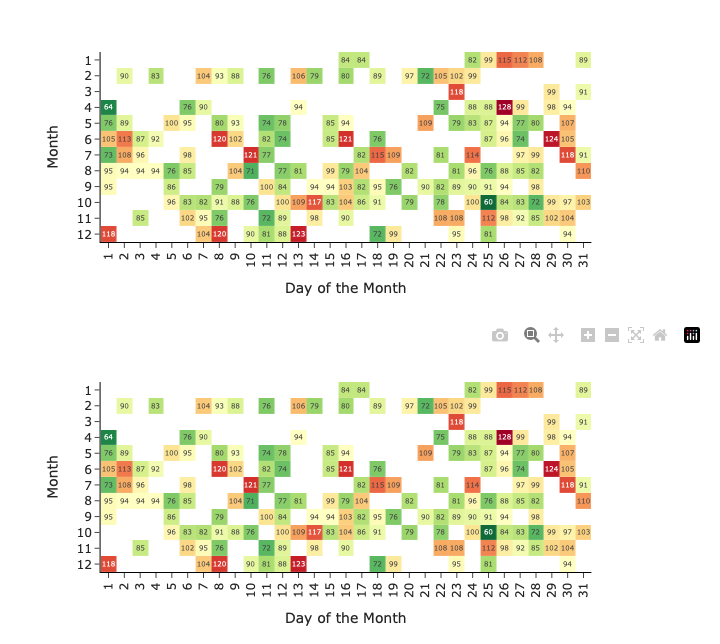
Visualize Data
plt = Plot(data=data, source="Apple Watch", year=2023)
plt.plot()
Full Example Workflow
from apple_health_parser.utils.parser import Parser
from apple_health_parser.plot.plots import Plot

parser = Parser(export_file='export.zip', overwrite=True)

flag = "HKQuantityTypeIdentifierStepCount"
data = parser.get_flag_records(flag)
sources = parser.get_sources(flag)

plt = Plot(data=data, source=sources[0], year=2023)
plt.plot()
Summary
Apple Health gives you full ownership of your data.
With tools like apple_health_parser, you can transform raw exports into meaningful insights, visualizations, and advanced health applications.